 NHP ENN Sky Background Set
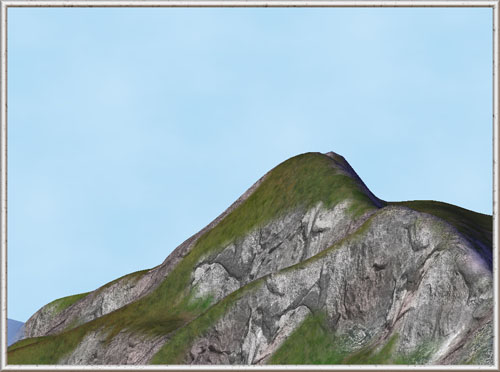
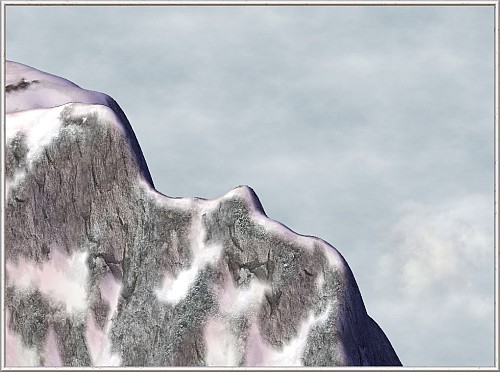
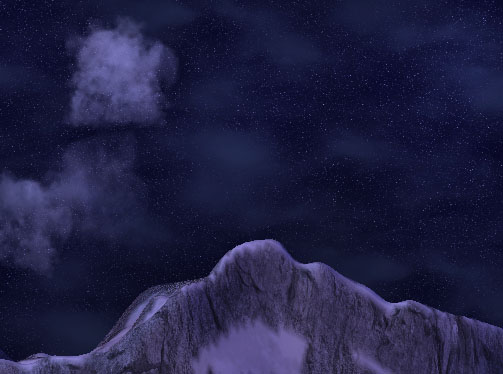
 This mod replaces the default Maxis city tile background (dark blue with the black grid) by the realistic sky texture. This Set 1 contains 7 versions of DAY sky backgrounds (various colors, with and without clouds) and contains 3 versions of NIGHT sky backgrounds.
- Day Sky Background
- Clear Sky 1
- Bright Haze 1
- Clouds 1
- Clouds 2
- Clouds 3
- Clouds 4
- Rainy Day 1
- Night Sky Background
- Night 1
- Night 2
- Night 3
|
||||
|
Texture details are always of the same size, no matter in which zoom are you looking at the city. The texture top is always oriented to the North, so cloudy sky textures will look slightly different if you will look at them from various directions. This effects is almost invisible in some textures and more visible in other ones, I tried to make them looking good from every direction. |
||||
|
||||
| This download is compatible with all SimCity 4 versions. The Sky Background Mod doesn't change any lighting settings, so it is compatible with any mod containing the modified Lighting exemplar file (such as Gizmo's Day-Night Mod and some other mods provided to release by our team). |
||||
|
||||
|
Installation of the mod is peculiar in that it must be installed in the plugins folder found inside the folder where SC4 is installed. In addition, these mods are HD Textures. Before installing this mod make sure that SC4 works with Hardware Rendering (DirectX Rendering) Installation: This download doesn't contain an Installer. Unzip the mod and save the content somewhere, each sky background will have it's own folder. You can install only one of the versions from this mod and it should be installed in the Plugins folder found in the SC4 installation folder. Be sure to read the instructions before installing this mod Un-Installing: To un-install the files, simply delete the files from the plugins folder. Then you should replace them by another custom sky background or by Maxis default files. |
||||
|
||||
|
The following paths are used by the installer system. If you have your game installed in another place, you should change the path for Dat files.
|
||||
|
||||
|
This mod doesn't have any dependencies. |